
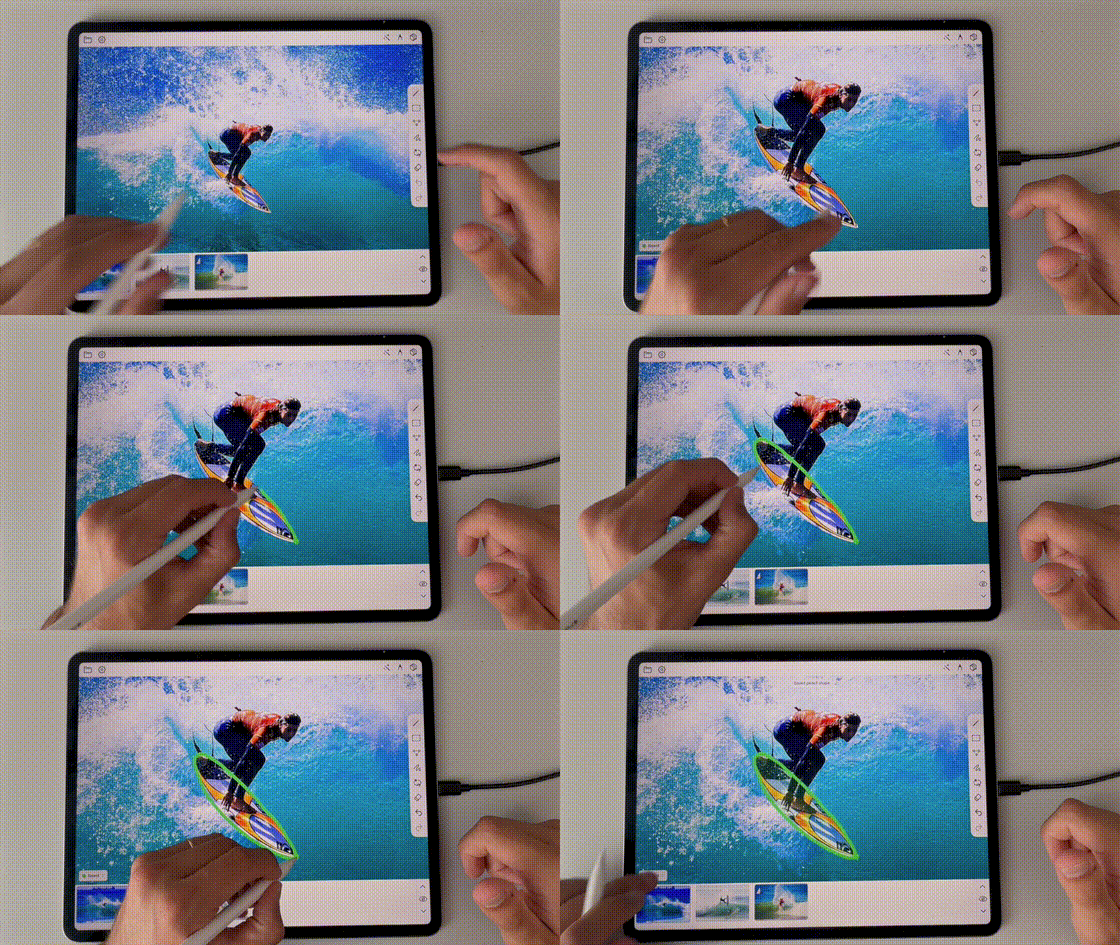
Draw
Mark regions directly with Apple Pencil for precise labels.
Draw. Label. Export
Annotate with Apple Pencil. From sketch to dataset.
Join waiting list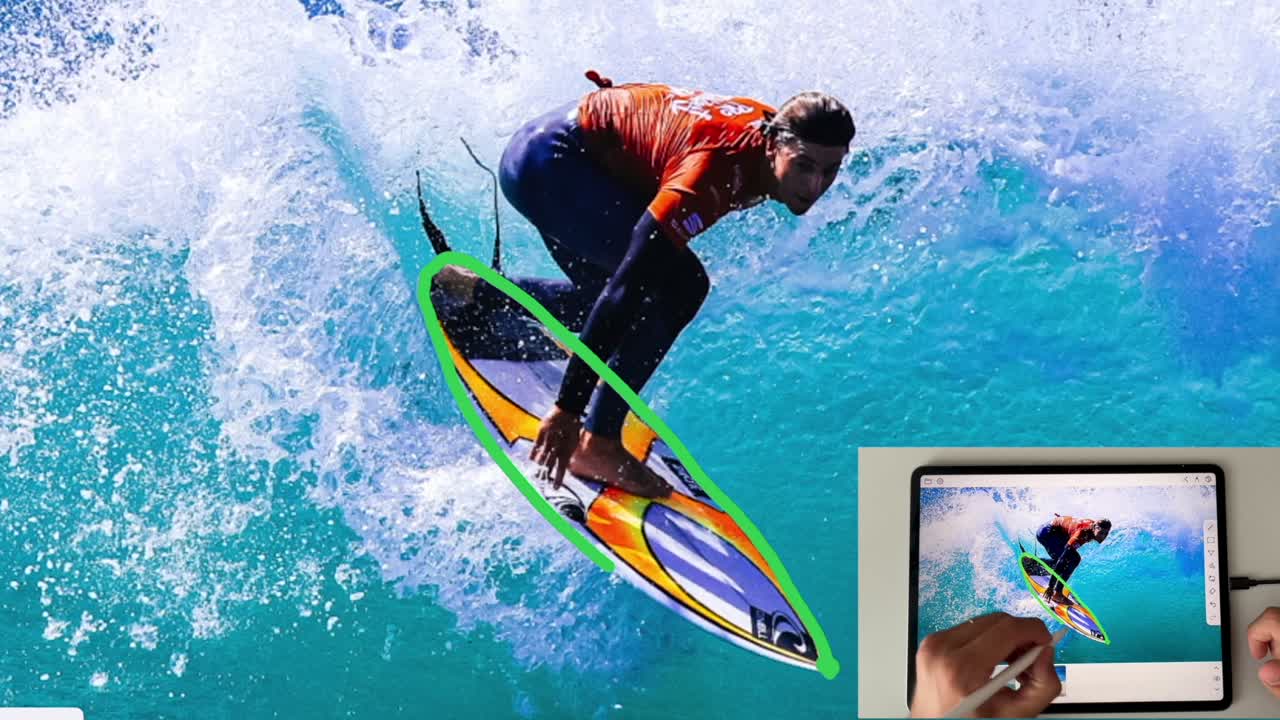
Annotation power at your fingertips
Existing annotation tools are web-based, require accounts and feel heavy when the work is visual and fast.
With PolyCut you can label images on your iPad using your Apple Pencil and export your annotated dataset instantly to COCO or Roboflow-ready formats.
Mark regions directly with Apple Pencil for precise labels.
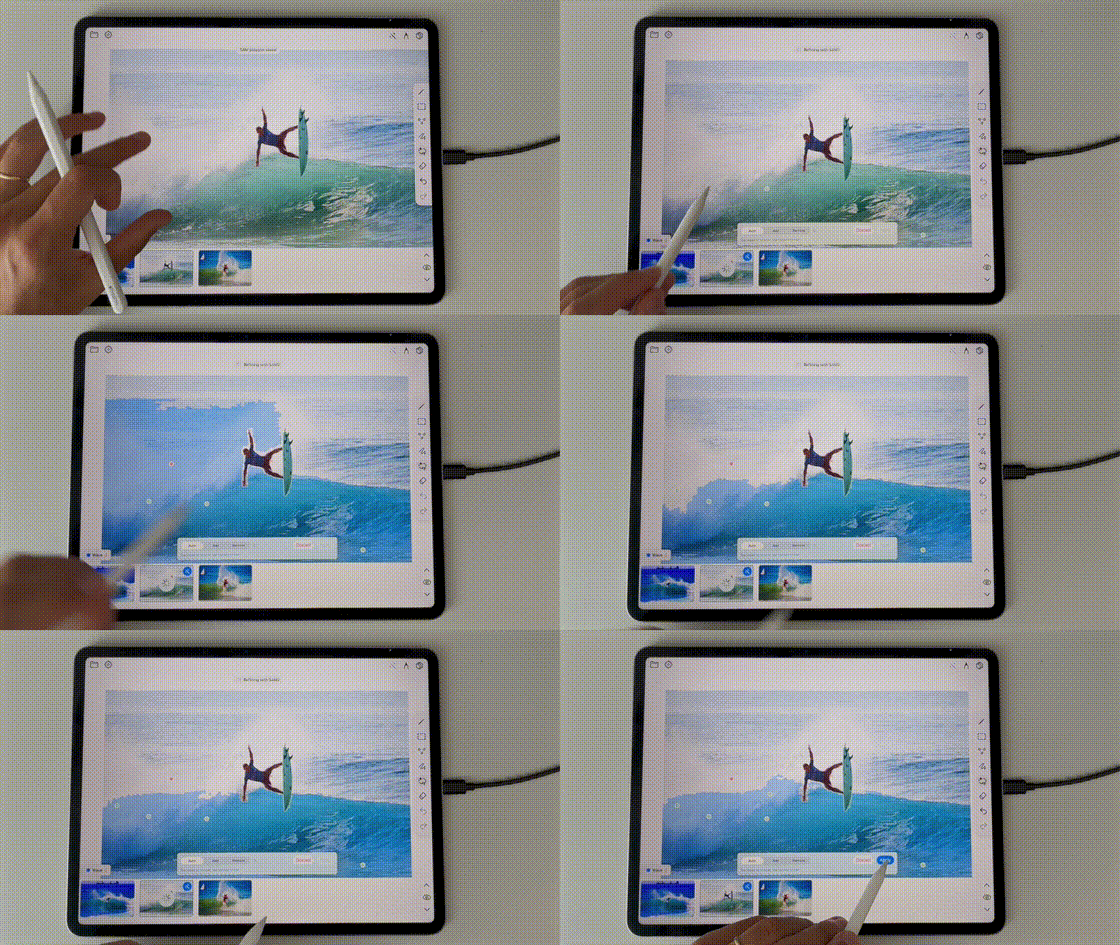
Tighten annotations with assisted tools before export.
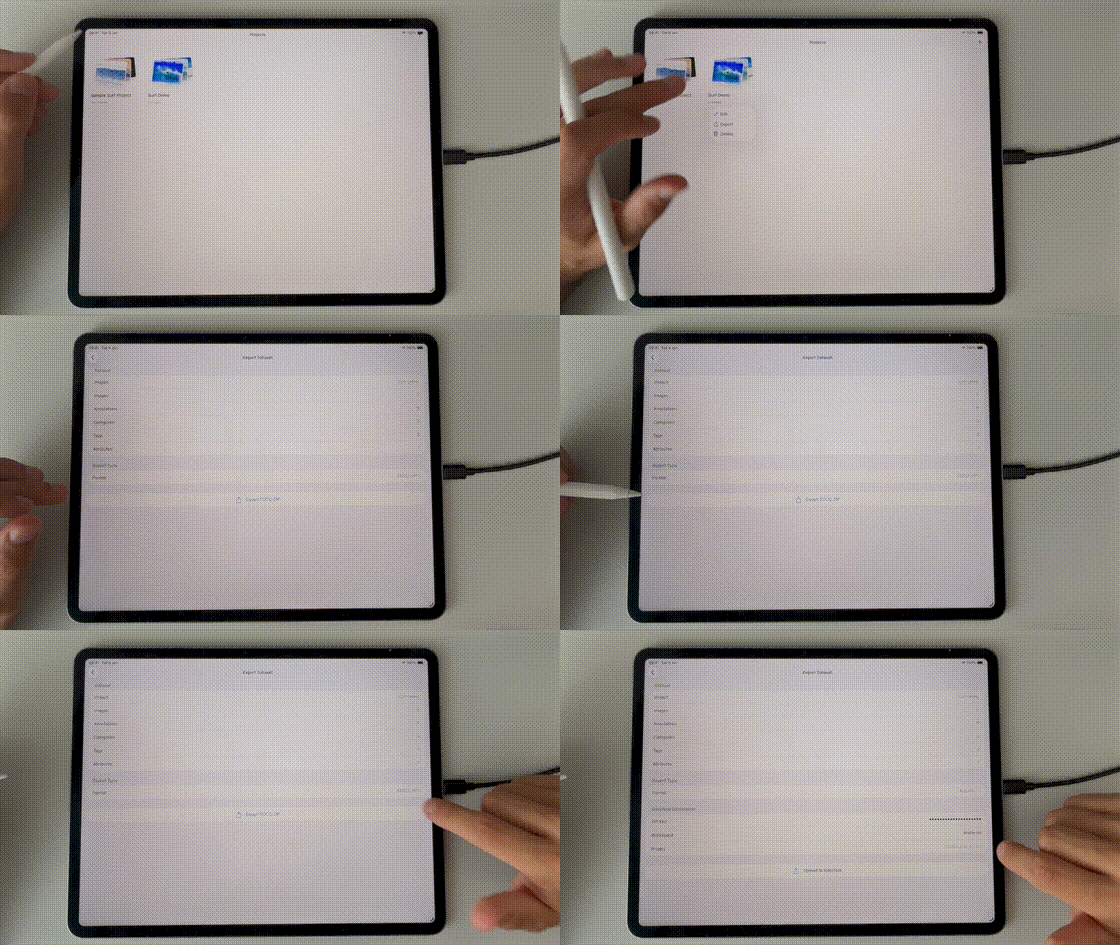
Package annotations for COCO and Roboflow-ready pipelines.
The essentials for going from raw images to usable training data, without heavy browser tooling.
Built for direct pen input, so precise masks and polygon edits feel natural on the canvas.
Combine assisted segmentation with local editing workflows when you need speed without losing control.
Export annotations for COCO datasets or Roboflow projects so your labels move cleanly into training pipelines.
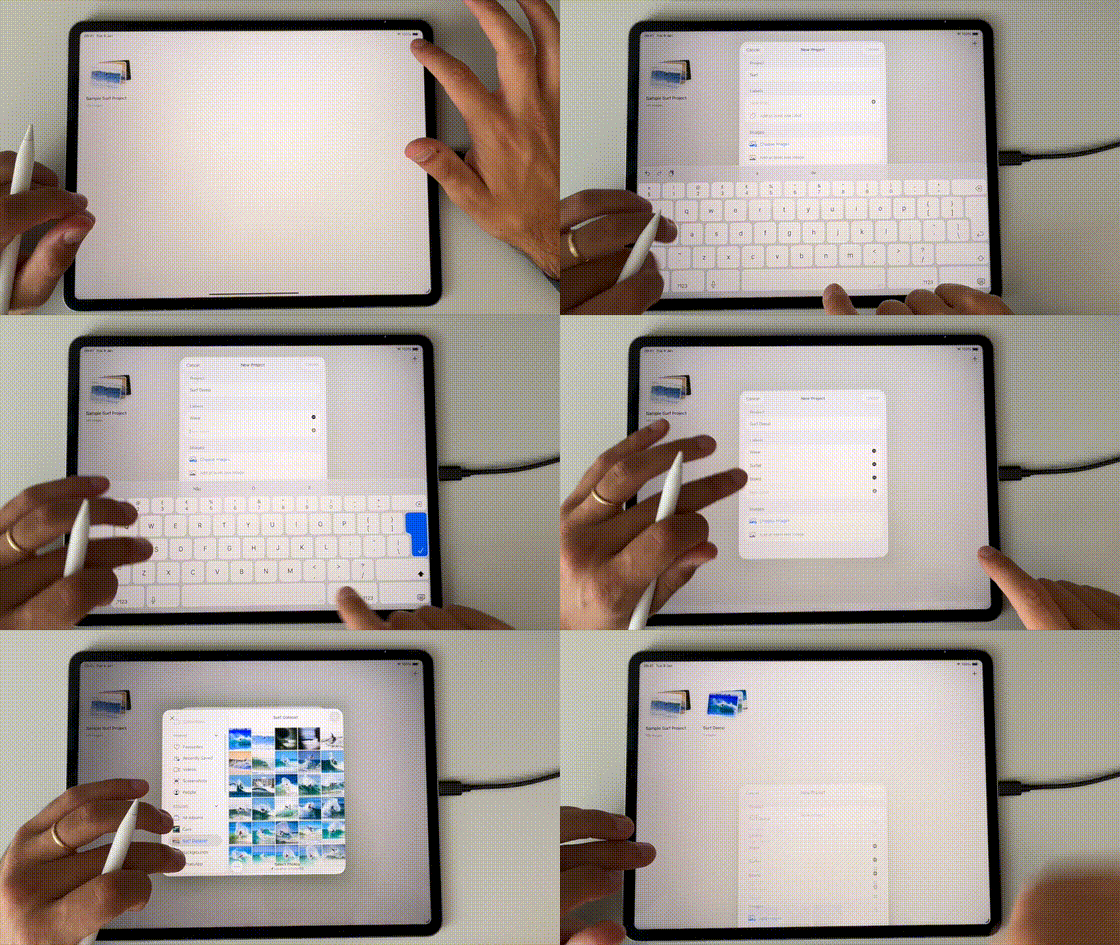
Import images and set up your label, tags and attributes.
Annotate with Apple Pencil. Polygons, bounding boxes, key points and masks stay precise.
One tap COCO, JSON and Roboflow-ready export for your training pipeline.
Join our waiting list for early access and launch benefits.